Use Roger with your telecoil
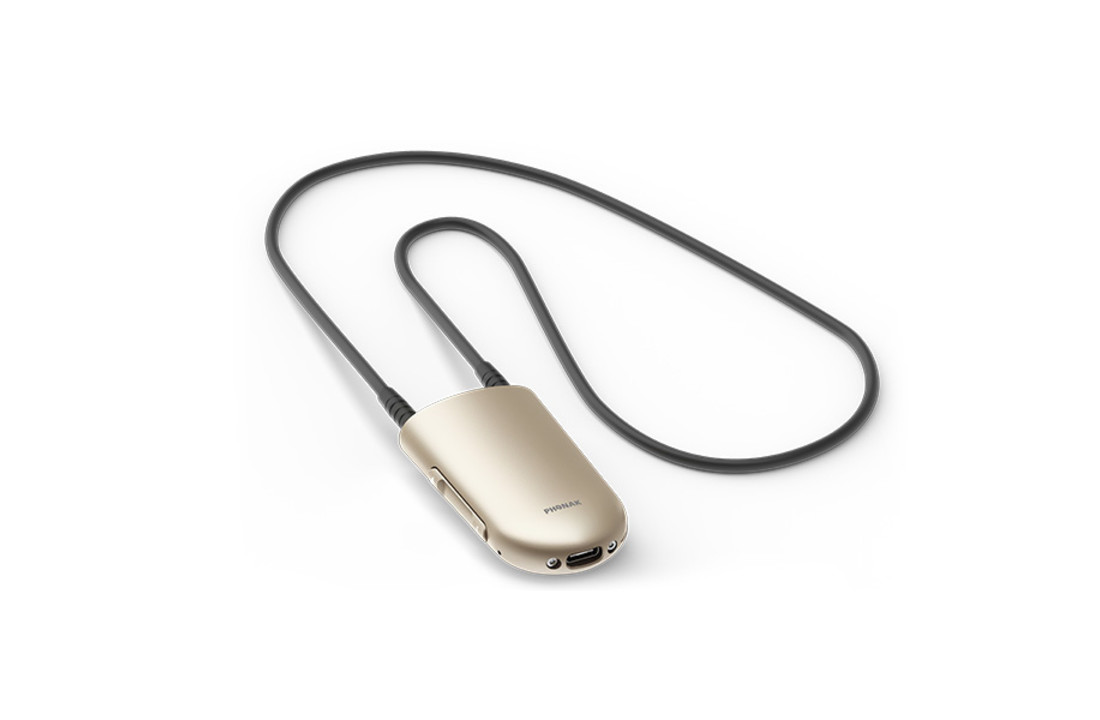
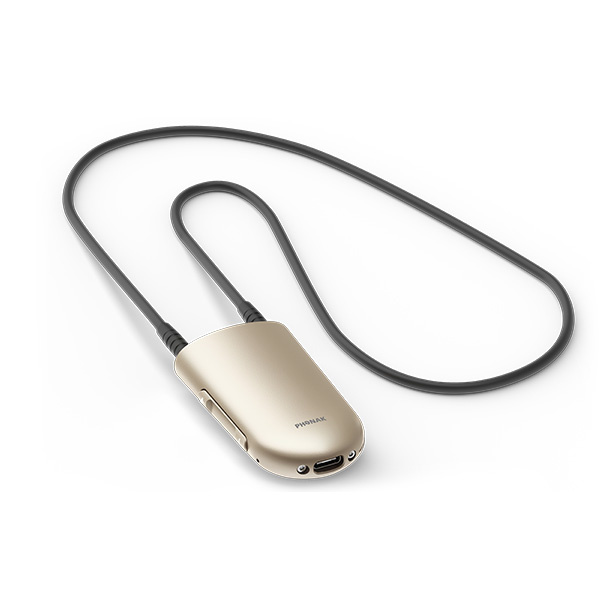
Does your hearing aid or CI processor have a telecoil? Roger NeckLoop lets you use it to hear a Roger microphone. Wear the receiver around your neck and select your device's T or suitable MT programme. The microphone picks up the voice and the NeckLoop passes it on.
Works with other brands too
You don't need Phonak hearing aids. NeckLoop also works with hearing aids and CI processors from other brands if they have a working telecoil and the relevant programme is enabled. Suitable versions from Oticon, Bernafon, Widex, ReSound, Signia and Unitron are examples. Not every model has a telecoil. Ask your hearing care professional to enable the T programme if needed.
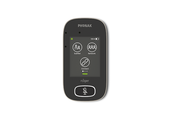
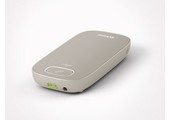
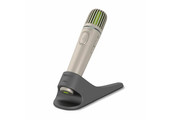
You'll also need a compatible Roger microphone, such as Roger On, Roger Select, Roger Pen, Roger Table Mic or Roger Touchscreen Mic. NeckLoop is a receiver, not a microphone. An ordinary Bluetooth phone connection doesn't replace the Roger connection.
Connect and listen
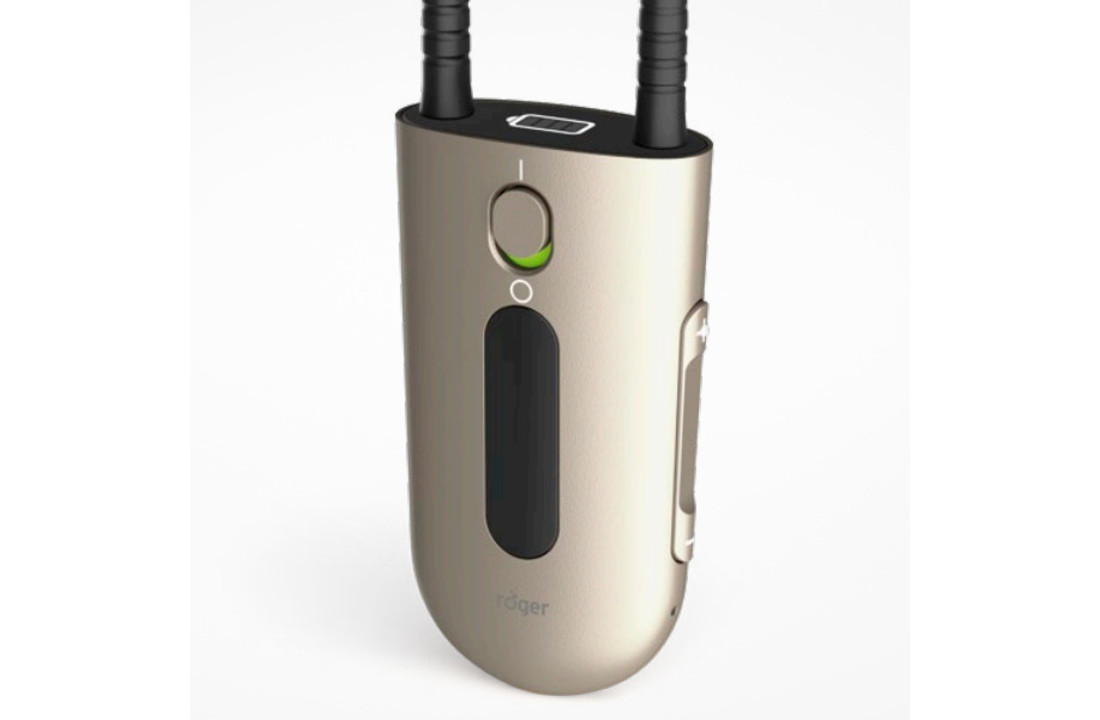
Attach the neckloop, put it on and switch on the receiver. Then connect it to your Roger microphone following the manual. Select the telecoil programme on your hearing aids and choose a comfortable volume. The display shows the connection and battery level.
You can wear the loop under clothing. Metal jewellery or zips can affect reception.
Charging and connections
A full battery provides around ten hours or more of use. A full charge takes about three hours; after one hour, the battery is around 80% charged. USB-C can also pass sound from a Roger microphone to a suitable computer or phone that supports USB audio, for example for speech-to-text.
You receive Roger NeckLoop with an inductive neckloop, USB cable and power supply. Hearing aids, a CI processor and a Roger microphone are not included.
Roger NeckLoop manual (English, PDF)