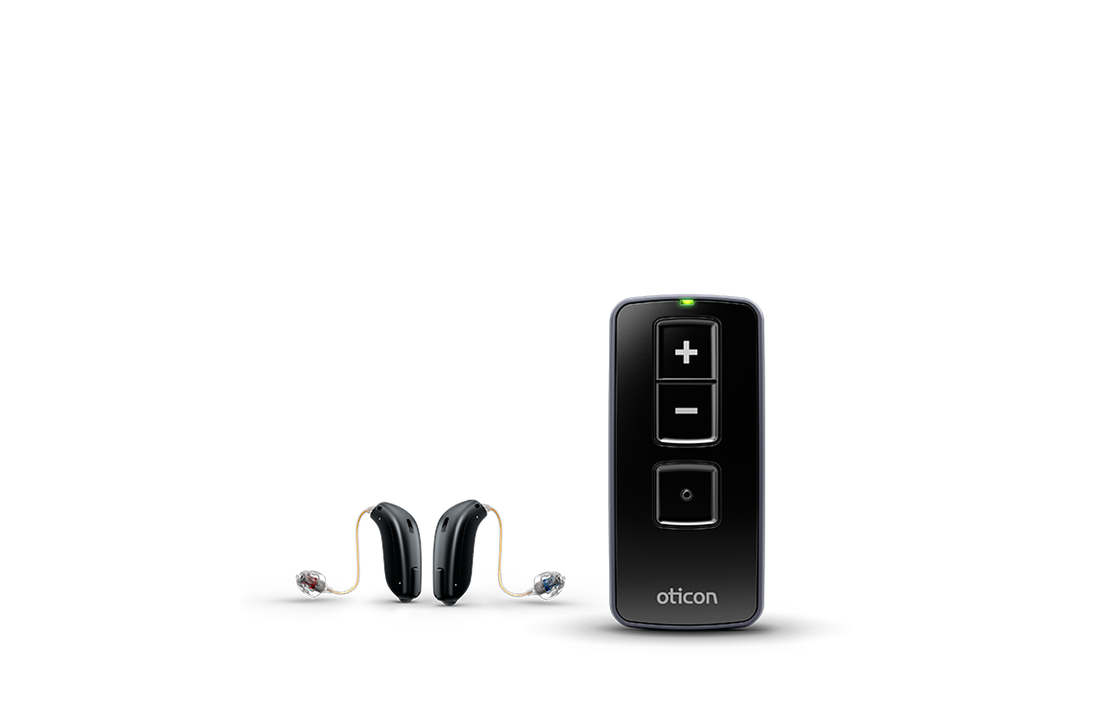
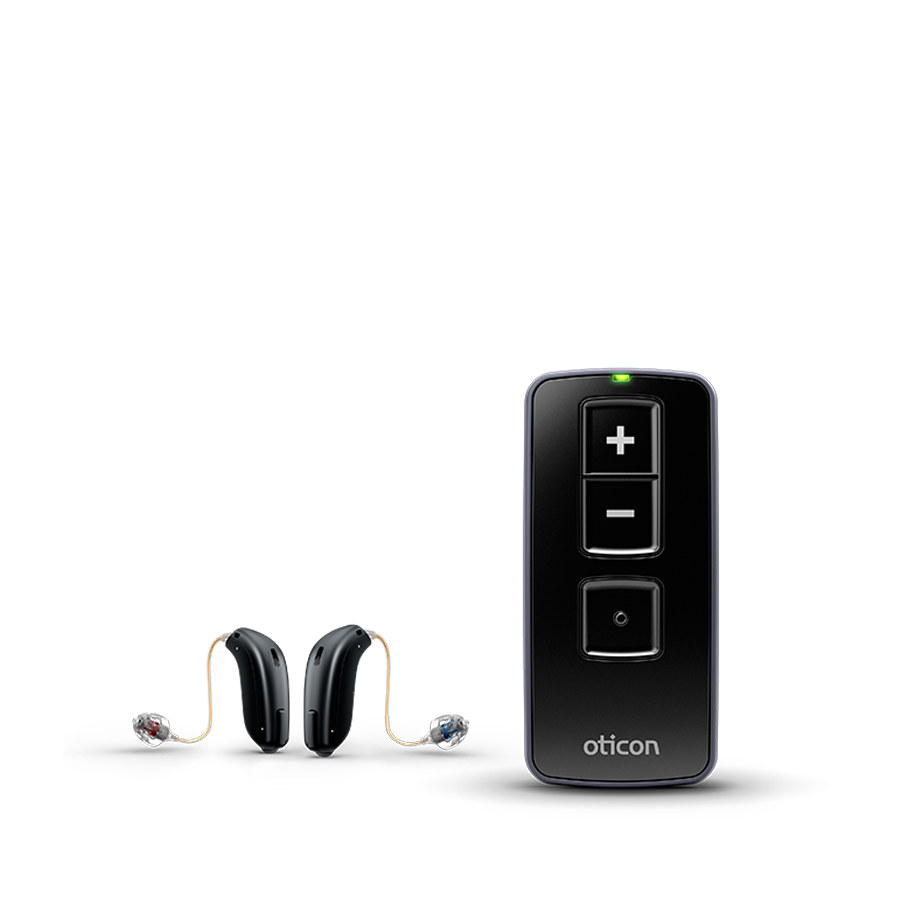
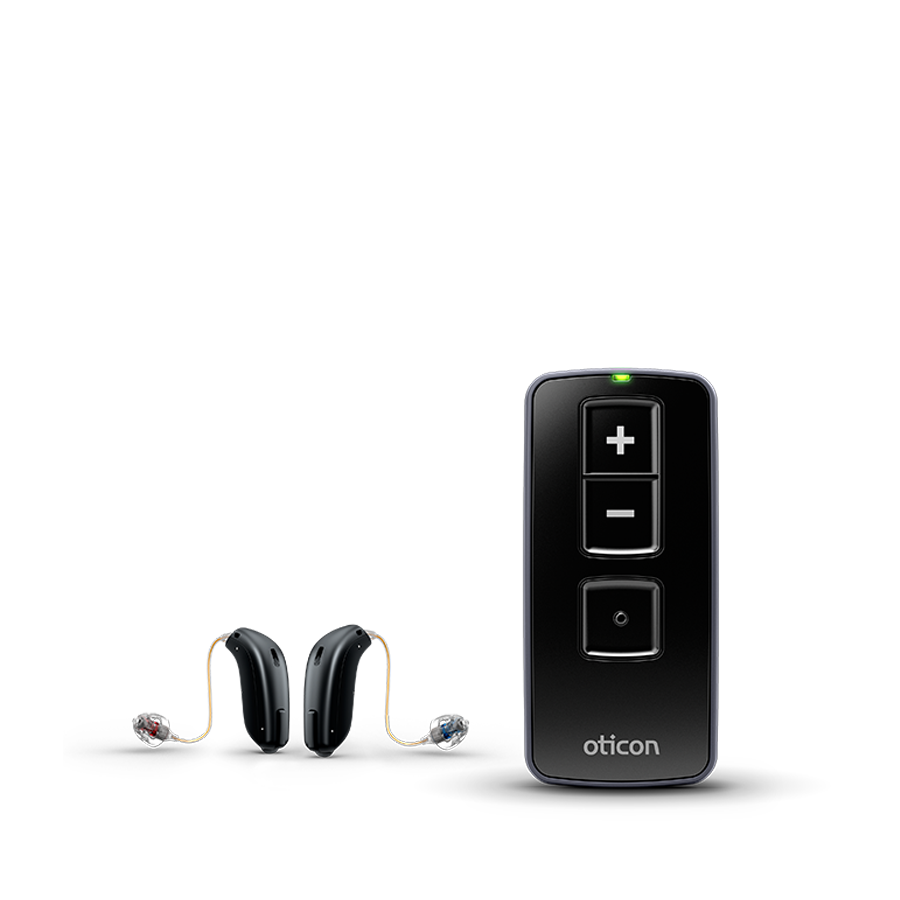
Want to adjust the volume without reaching for your phone? The Oticon Remote Control 3.0 lets you turn the sound up or down and change listening programmes. It controls one compatible pair; if you wear two hearing aids, you adjust them together.
Which hearing aids are compatible?
You need a suitable Oticon version with 2.4 GHz radio technology. Examples include Opn, Opn S, More and Siya. The year alone does not determine compatibility.
Recent Oticon models are included
Oticon also lists this accessory for Reveal miniRITE R, Intent miniRITE and miniBTE R, Play SI miniRITE and miniBTE R, Verit miniRITE T / miniBTE T 85 / BTE T 105, Jet PX miniRITE R and Zeal nxtCIC R. Other Jet PX versions and custom devices must support the required 2.4 GHz connection. Wireless Own ITC/ITE models are different from Own SI IIC/CIC; do not extend compatibility to those smaller versions.
Other brands and house brands need separate confirmation. A similar case or Bluetooth logo is insufficient.
What can you control?
- Increase or decrease volume.
- Switch between programmes configured in your hearing aids.
- Mute by holding volume-down for about two seconds. Briefly press any button to unmute.
Functions depend on your hearing aids and settings. Both devices are controlled together when two are paired. This remote does not stream phone or television audio. Accessories such as ConnectClip or TV Adapter 3.0 serve those purposes.
Initial pairing
- Insert two AAAA batteries in the correct direction.
- Hold all three buttons for five seconds.
- Restart your hearing aids and wait about ten seconds.
- Place them within 20 cm of the remote and briefly press a button. A green light confirms connection.
You do not need to pair them every day afterwards. Keep the remote within 1.8 metres in use; direct line of sight is not required.
Batteries and care
Use two AAAA batteries, not AAA. Clean with a soft dry cloth and keep the remote dry.
Manuals and manufacturer information
Further explanation