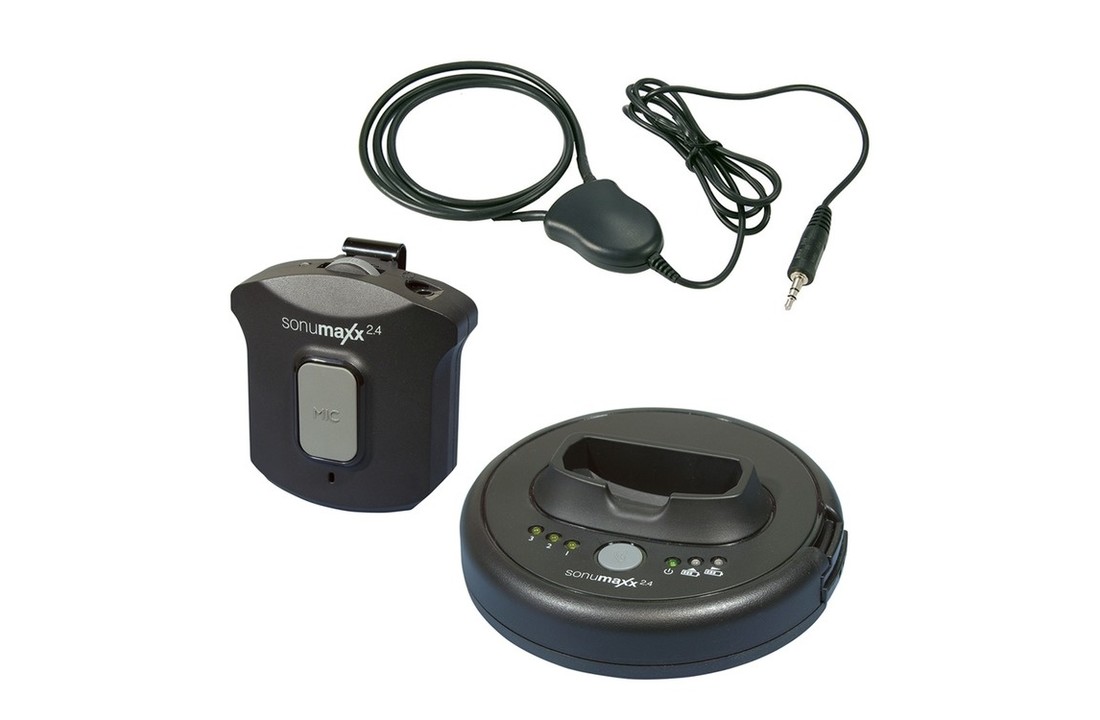
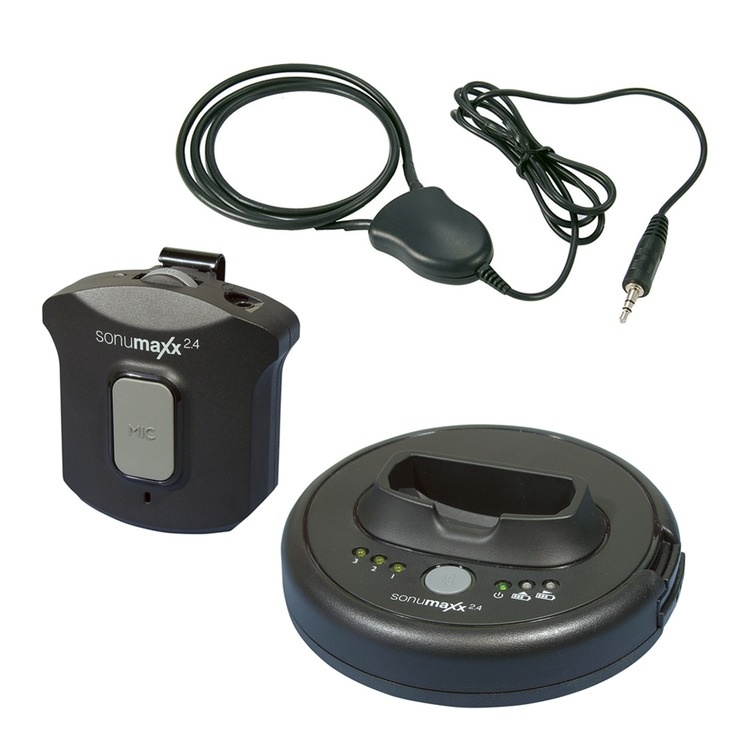
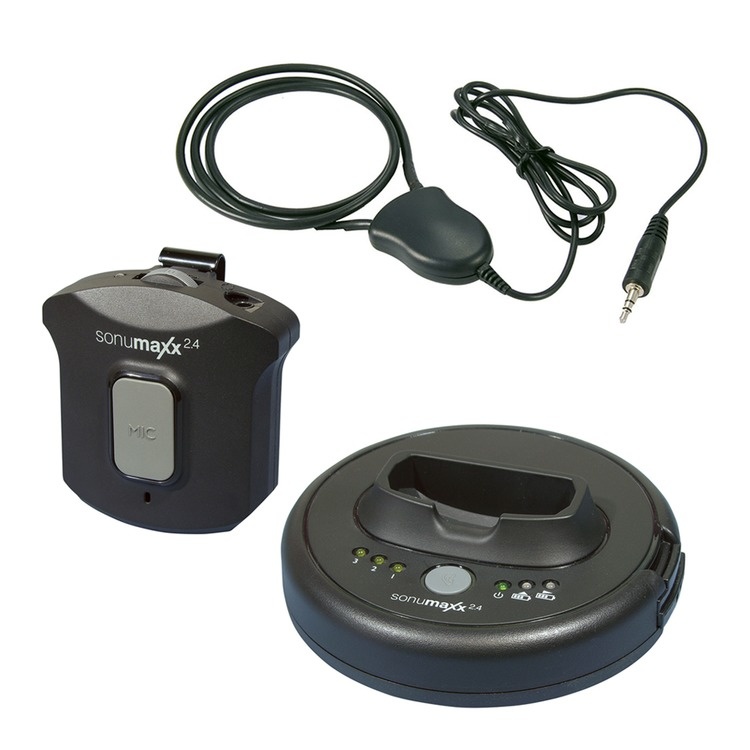
Sonumaxx 2.4 loop neck loop system for hearing aids that are equipped with a loop program (T-Stand). With an adjustable loop drive, Humantechnik's Sonumaxx PR 2.4 PR system has exceptionally clear audio reproduction and high-quality sound - reliable and free from background noise.
This system is ideally suited for people who do not find the TV loud enough and wear a hearing aid with a loop program. When using this system, the listening volume is independent of the TV volume. A special feature of the Sonumaxx 2.4 PR system is the ability to switch from TV sound reception to the receiver's built-in microphone, so you can also listen to conversations. In addition to TV capability, the sonumaxx 2.4 can also be connected to other sound sources such as DVD player, stereo system or iPod.
The transmitter serves as a storage and docking station and simultaneously charges the receiver's battery. A fully charged battery lasts 6 to 8 hours, depending on the volume set. Two batteries are included, so these can also be used and recharged.
A tone control button on the front of the sonumaxx 2.4 transmitter serves to select one of three sound profile presets. For example, you can select only the high tones or low tones. This way the user can choose which setting suits him best.
The Sonumaxx 2.4 PR system has digital (optical/Toslink) connections and also an analogue audio connection or you can use the supplied microphone to record the sound.
Operating time per battery charge: approx. 6 - 8 hours
Battery type: Rechargeable Li-Polymer 3.7V 350 mAh
Batteries included: 2
Charging time: approx. 5 hours (2.5 hours for 90% charge)
Maximum volume: depending on hearing aid
Weight: 66g
Sonumaxx 2.4 portable loop can be ordered online at AllesVoorOren.nl
Listening together and pairing a receiver
Check the model on the label: according to Humantechnik, A-4118-0 is the Sonumaxx 2.4 PR set. It requires a receiver from the same 2.4 generation. The NX receiver A-4159-0 belongs to NX set A-4109-0 and is not interchangeable with the older 2.4 generation. The NXT name alone is therefore not sufficient to match components.
Pairing when there is no connection
- Disconnect the transmitter power adapter from the mains socket.
- Switch on the matching receiver.
- Hold the receiver MIC button for about five seconds until the green LED flashes quickly. Then reconnect the transmitter power adapter to the mains.
- Wait for the receiver LED to remain steadily green. The connection has been established.
Repeat for each matching receiver and check sound playback afterwards. Pairing does not make different device generations compatible.
User manual Sonumaxx 2.4 PR (PDF, English from page 14; also German and Dutch)