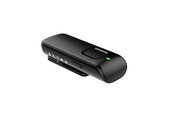
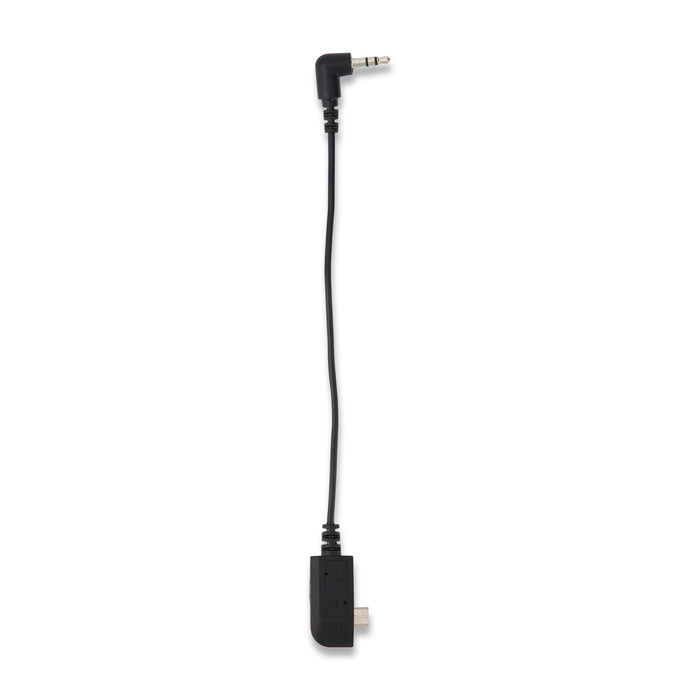
Want to send sound from a laptop, music player or television without Bluetooth to your hearing aids? This cable connects the analogue audio output to your Starkey Remote Microphone+. The microphone then streams the sound wirelessly to suitable hearing aids already paired with it.
Suitable for
- Starkey Remote Microphone+ with a micro-USB connection and Audio Line-in function.
- An audio source with a suitable analogue 3.5 mm headphone or audio output.
What does the cable do?
The Power-in/Audio Line-in cable combines the audio connection with a power input connection. It is the dedicated cable for Remote Microphone+, part number 91259-000. An ordinary USB charging cable does not provide this audio function. The cable does not connect directly to a hearing aid.
Connect and listen
Connect the micro-USB plug to Remote Microphone+ and the 3.5 mm plug to your source device’s audio output. Turn on the microphone, select Line-in and start playback on the source. Your hearing aids must already be paired with Remote Microphone+. Start at a low volume and adjust to a comfortable level.
What is included?
You receive one Starkey Power-in/Audio Line-in cable. Remote Microphone+, hearing aids, power adapter and audio source are not included. Use the appropriate power supply for your microphone when connecting power.
Check the connection first
A television with only HDMI ARC or an optical output cannot connect directly to the 3.5 mm plug. This cable is also not a USB-C adapter for the newer StarLink Edge Remote Microphone.
Remote Microphone+ user guide (PDF, English)
View the required Starkey Remote Microphone+