Landline calls through your hearing aids
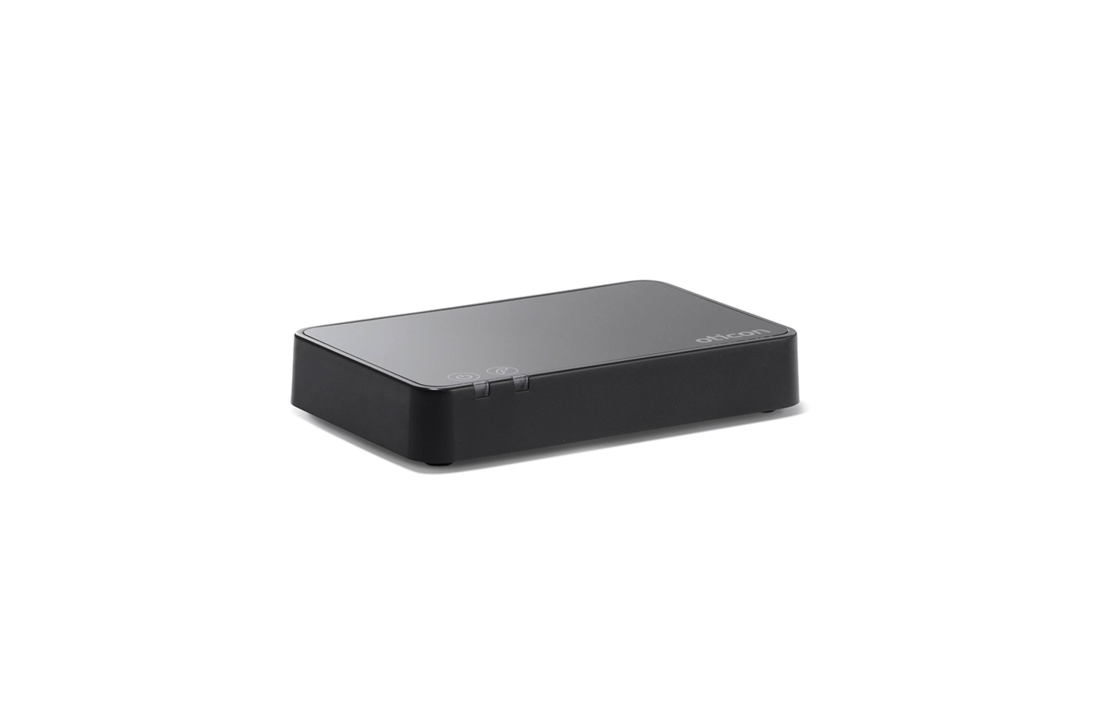
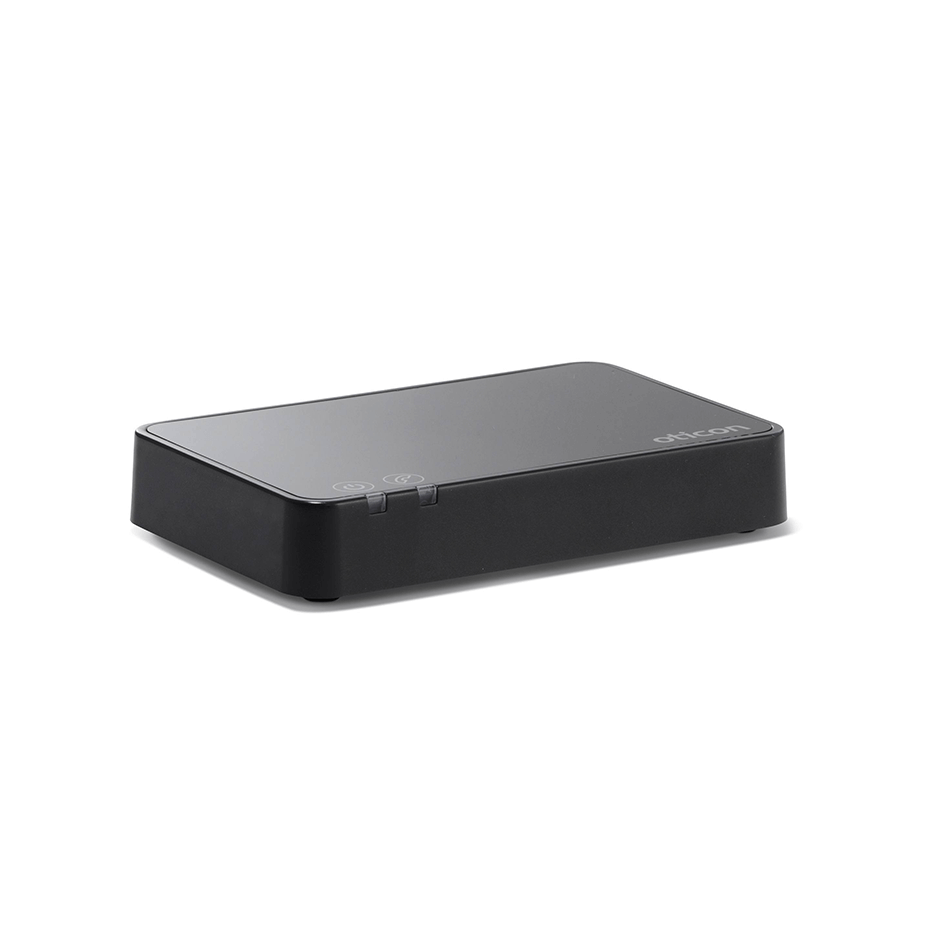
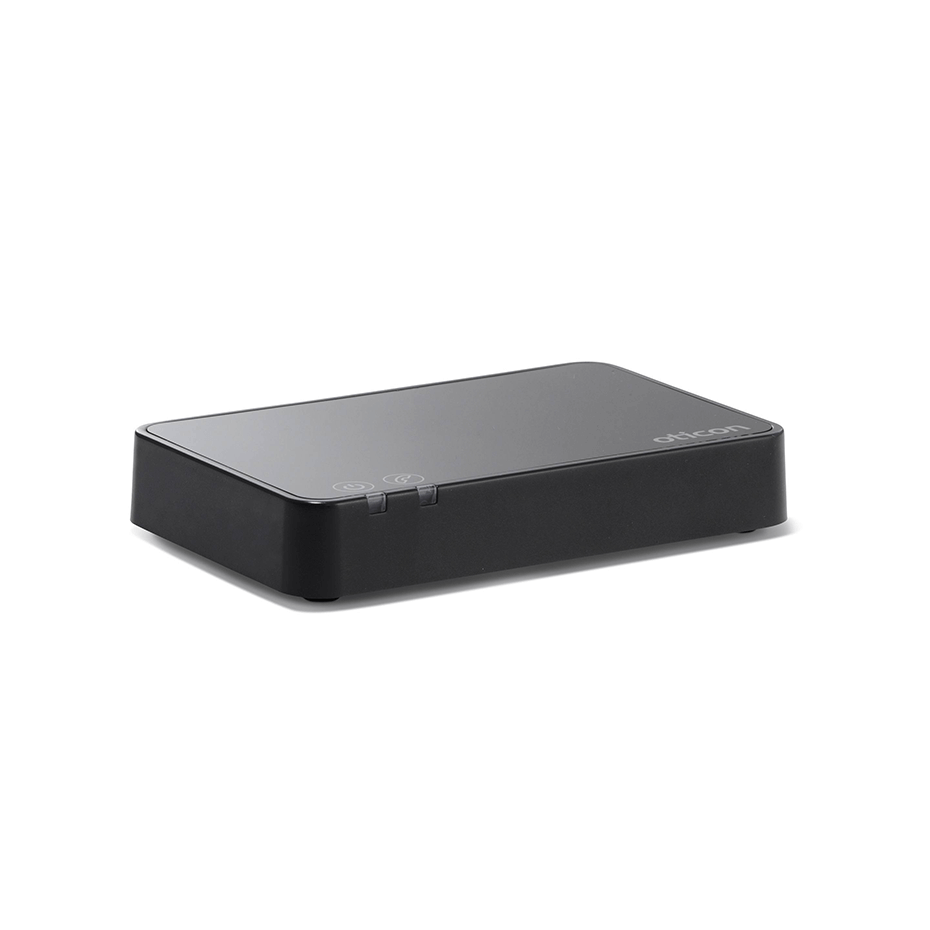
Want to hear landline calls through your hearing aids? The ConnectLine Phone Adapter 2.0 links an analogue phone to a compatible ConnectClip or Streamer Pro. You hear the caller through your hearing aids and speak through the streamer's microphone. You'll need that streamer too. The adapter's part number is 127837.
Which combination do I need?
Use Oticon ConnectClip with compatible 2.4 GHz Oticon hearing aids, including Intent, Real, More, Opn, Opn S and supported newer Reveal, Play SI, Verit, Jet PX and Zeal versions. Older ConnectLine hearing aids use a paired Streamer Pro. The streamer must match your hearing aids.
Oticon Medical Ponto 4 and Ponto 5 use ConnectClip. The Ponto 3 series requires the Oticon Medical Streamer. These intermediate devices are separate products.
Connect your landline
- Connect the adapter to power.
- Move the existing phone line to the adapter's IN socket.
- Connect OUT to the analogue socket on the phone or base station.
- Check for a dial tone, then pair the streamer.
A phone connection through a router works only if it provides a suitable analogue telephone output. Do not connect the adapter directly to an Ethernet port or a digital business phone connection.
Pairing and calls
Put ConnectClip in pairing mode by holding the multi button and volume up for about six seconds. Place it on top of the powered phone adapter. Pairing usually takes 20 to 60 seconds; blue indicators confirm the connection. The manual contains separate instructions for Streamer Pro.
Answer incoming calls using the streamer. For outgoing calls, dial the number on the landline and follow the steps for your streamer. You are ordering the phone adapter, not hearing aids or a streamer.
Manufacturer manual (Dutch, PDF)