Computer audio through your streamer
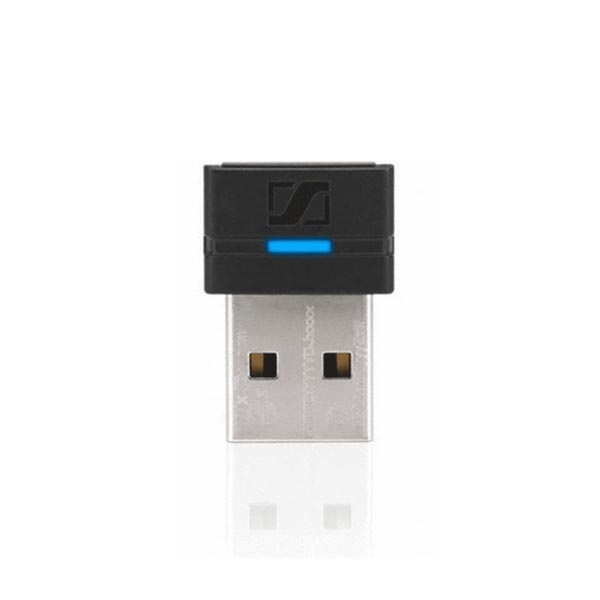
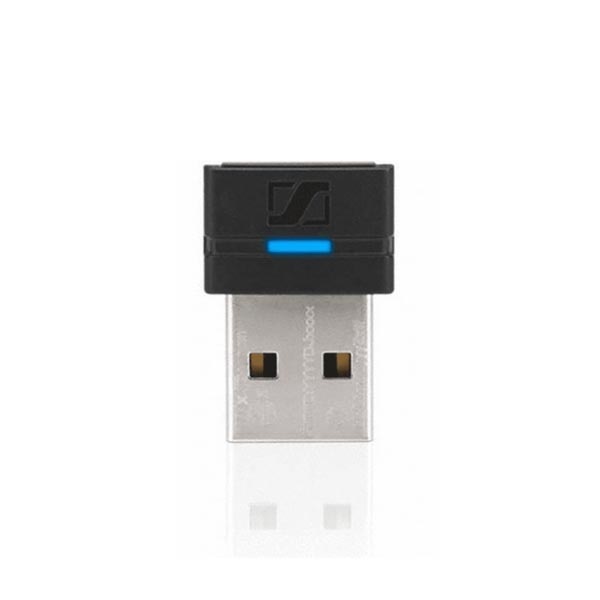
Want to hear your computer through your Oticon ConnectClip or Streamer Pro? Plug this Sennheiser/EPOS BTD 800 into a USB-A port on your computer. It sends the sound to your paired streamer, which passes it on to compatible hearing aids. It doesn't pair directly with your hearing aids.
Does the connector fit?
This version has the rectangular USB-A plug. The shop item has Oticon part number 142667 and EAN 5714708000280, corresponding to EPOS 1000227. It is not the USB-C version or the Oticon Easy LE Adapter for direct LE Audio connections.
Which hearing aids work with it?
The streamer determines hearing aid compatibility. ConnectClip supports suitable wireless Oticon models, including Intent, Real, More, Opn, Opn S and compatible newer Reveal, Play SI, Verit, Jet PX and Zeal versions. Streamer Pro is for suitable older ConnectLine hearing aids. Other brands require their own compatibility confirmation; Bluetooth alone is not enough.
Using the dongle
Insert the dongle into your computer, put both the dongle and streamer into pairing mode and follow their pairing instructions. Then select BTD 800 as the audio output and, for calls, microphone in your computer and calling software. Wear ConnectClip where its microphone can pick up your voice. If your existing Bluetooth connection already works reliably, you may not need this additional dongle.
You are ordering the dongle. ConnectClip, Streamer Pro and hearing aids are not included.
Oticon: pairing ConnectClip with BTD 800 (instruction video without spoken audio)